
February feature grab bag

A belated happy New Year from Treefort! We have some big projects in the works for 2026, but we’ve already managed to shovel out quite a few smaller improvements. Welcome to the feature grab bag.
Universal links
If a user has your mobile app installed, any time they tap a link to your app it will now automatically open in the mobile app instead of the browser. The best part? You don’t have to change anything - keep using the same links that you have been and they’ll Just Work Everywhere™.
Pull to refresh
When you publish changes to your app we send them out pretty quickly (the next time the user opens the app), but the eager beavers in your audience can now get them IMMEDIATELY. If they swipe down from the top of a page they’ll get the latest changes you’ve published, any new content, any updates we’ve made to the code, and any un-synced progress, notes, or highlights they have on other devices.
App install banners
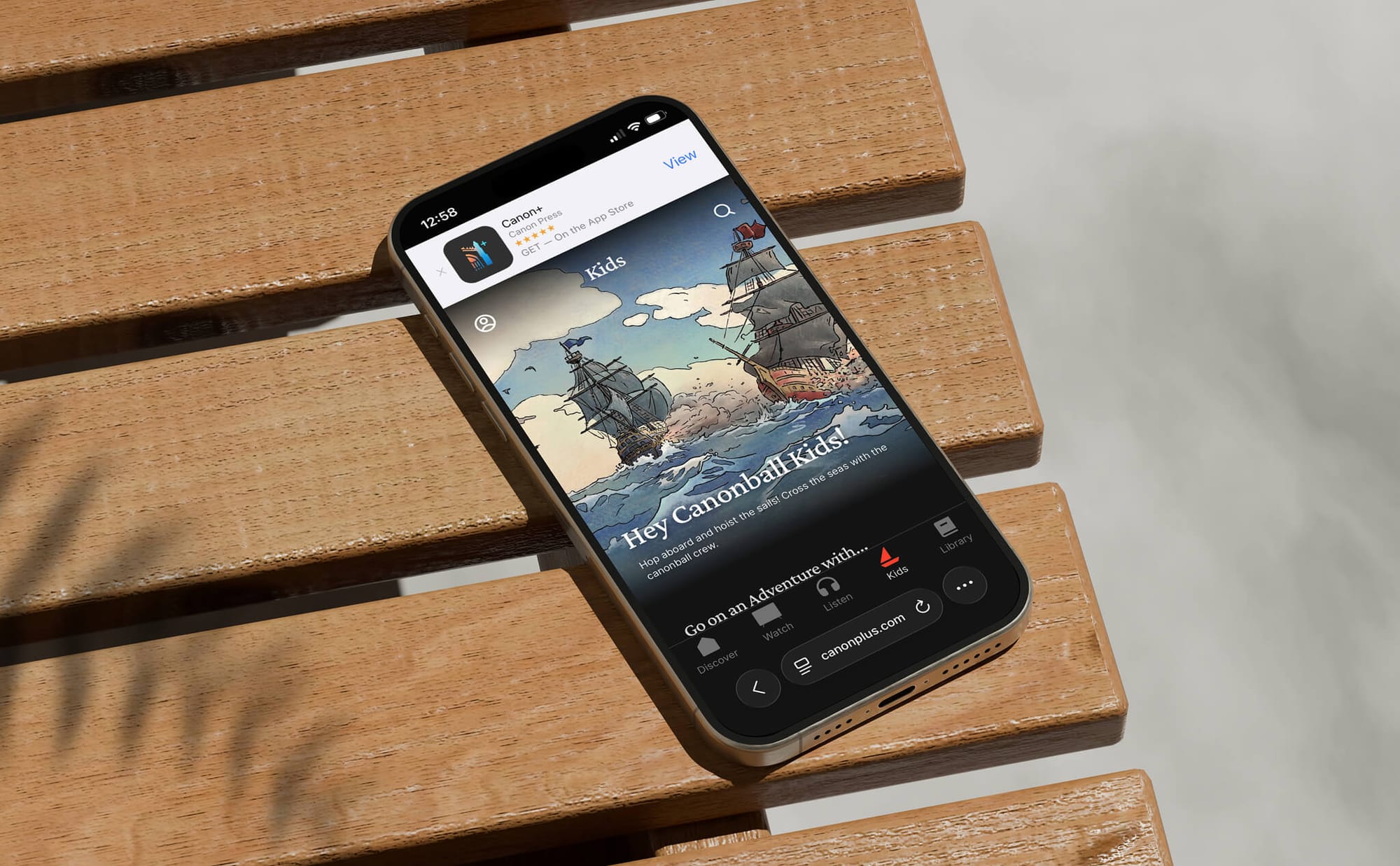
You can now display a system banner in iOS Safari or Android Chrome encouraging users of your web app to download your mobile app. Enable this under “App” > “Settings” > “App install banners” in your dashboard.
App editor updates
- There’s a new “Grid” layout option on the “List” (née “Slider”) app interface module. This lets you easily display vertically scrollable grids of content, images, etc. anywhere you were previously limited to horizontal lists.
- There’s a new “Show descriptions” option in the “List” module that allows you to display the first couple lines of each item’s description below its artwork.
Custom contact forms
If the default contact form in your app isn’t cutting it, you can now use your own! Enter the URL to your web-based contact form under “App” > “Settings” > “Custom Contact Form” and we’ll load it right in your app instead of the default form.
Subscription management
Click a user in the admin dashboard and you’ll now see detailed information about their subscription, including links to the payment provider they used and an option to cancel their subscription for them. No more hunting around in the Play Console for a user’s order!
New billing portal
You can now view invoice history and update billing settings right from the Treefort dashboard - just look under “Account” > “Billing”.
Try any of these features out today, and don’t hesitate to let us know if you have any feedback!
Written for you by a real human at Treefort